
Know your real
coding time
Waqt tracks how much you type, how much AI writes, and how much you paste — across VS Code, Cursor, and every fork.
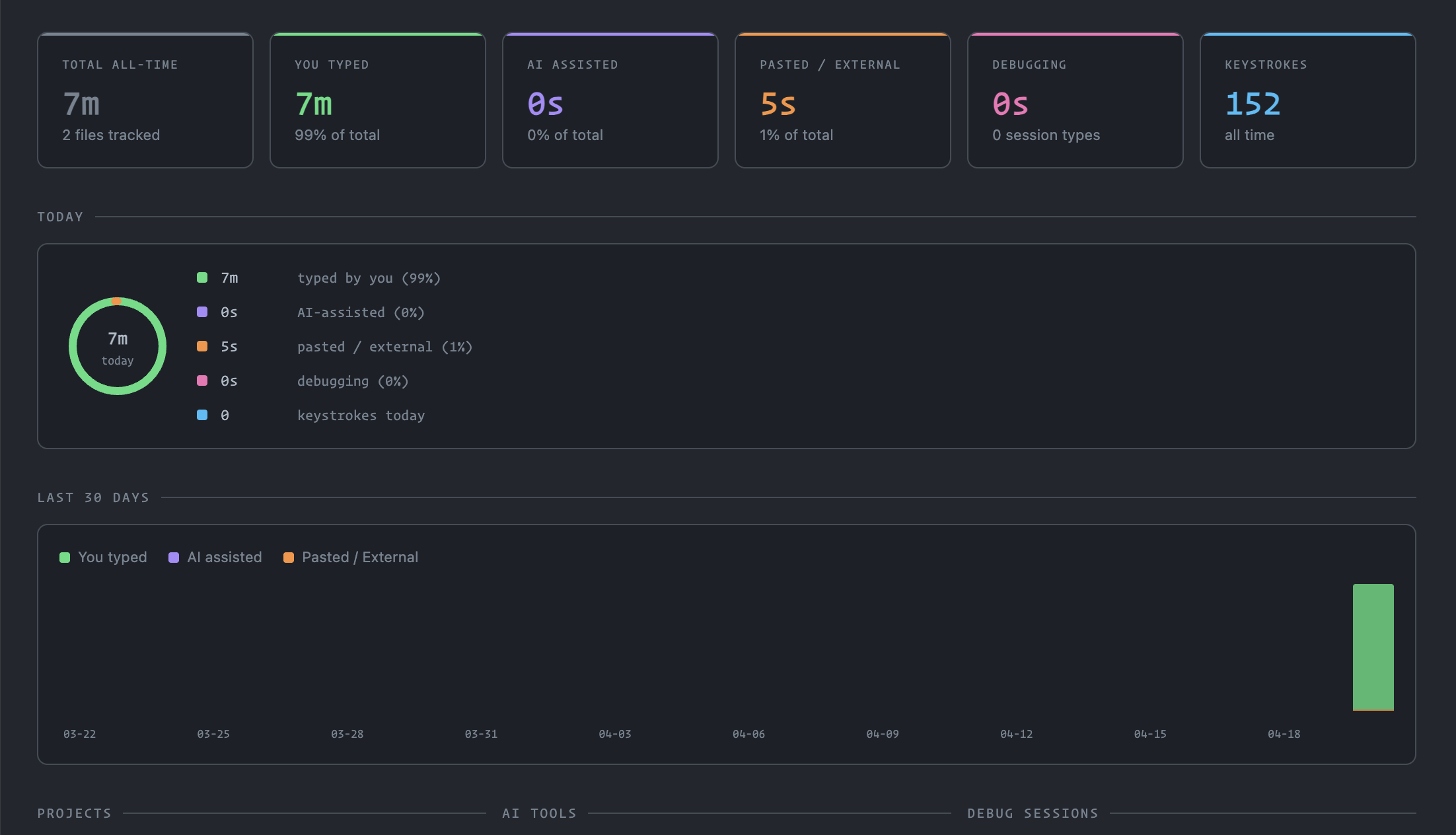
One dashboard. Four categories.
Every second of coding time is classified automatically.
Keystrokes and edits you made directly — the time that is truly yours.
Time attributed to active AI extensions or CLI tools like Claude Code, Copilot, and Gemini CLI.
Large insertions with no AI context detected — ChatBot copy-pastes and web snippets.
Time spent in active debug sessions, isolated from coding time.
Detects every AI tool
Built-in detection for extensions and CLI tools. Add custom patterns in settings.
Works in every fork
Auto-detects which editor you are running in and labels it accordingly.
All data stays local
Waqt stores everything in VS Code's GlobalState — on your machine only. No servers, no analytics, no accounts. Terminal monitoring is opt-in and can be disabled at any time.